Native work sessions
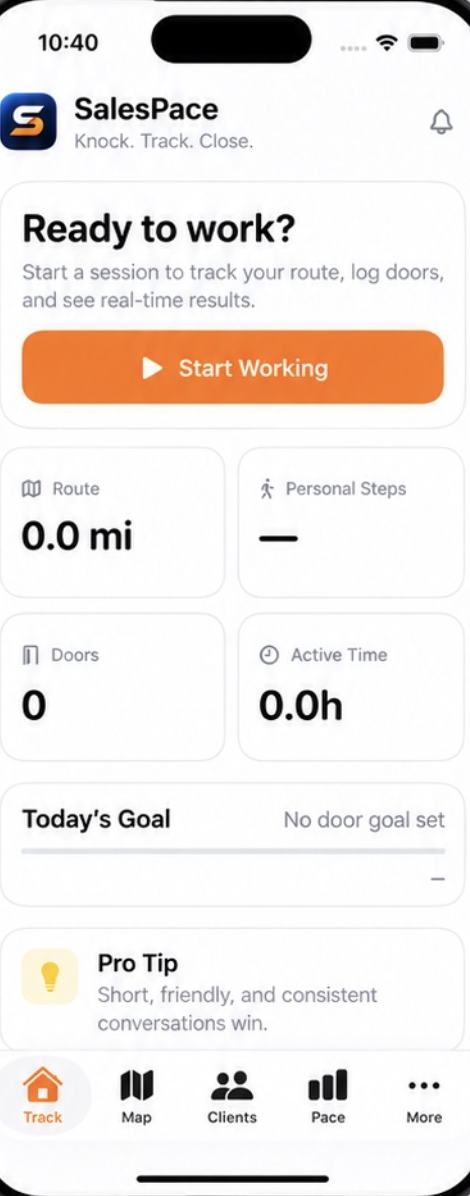
Start, pause, resume and end the day on iPhone with active time, background route tracking, HealthKit steps and walking distance.
 SalesPace
Field-sales platform · iPhone & web
A native iPhone field app with Apple Maps, work sessions, HealthKit metrics, follow-ups and Pace — connected to the same web CRM your managers use to run the operation.
Know where your reps are.
Know which doors were knocked.
Know what happened at every address.
Know what converts.
The iPhone app handles the actual day in the field. The web CRM handles dense management work. Both operate on the same homeowner, territory, appointment and activity records.
Start, pause, resume and end the day on iPhone with active time, background route tracking, HealthKit steps and walking distance.
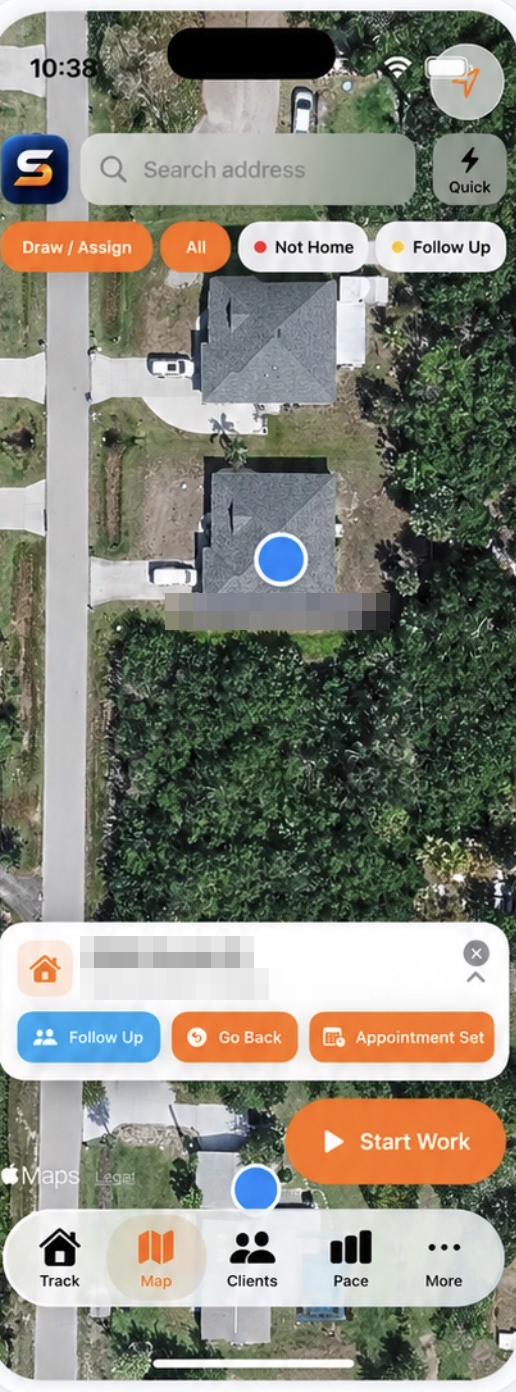
Disposition-colored homeowner pins, live location, the recorded route line, search, filters, Quick mode and manual pin drop on native Apple Maps.
Edit contact info, call, text, email, navigate, dictate notes on-device, disposition the door and schedule appointments, go-backs or follow-ups.
Overdue, Today and Upcoming queues with complete, reschedule and Open Door actions tied directly back to the homeowner record.
Doors, conversations, appointments, go-backs, sales, active hours, miles, steps, doors per sale, conversations per sale and conversion rates.
Assigned routes and territory completion on iPhone, plus the production homeowner-data catalog and order status inside the native app.
Manager team activity, dispositions, team creation, workspace switching and administrative controls shown only to the roles allowed to use them.
Explicit Location, Precise Location, HealthKit and notification flows, device diagnostics, personal-data export and in-app account deletion.
Import homeowner and address data by CSV, or start clean and drop pins straight from the map.
Reps open the native iPhone app, start a work session, then work from Track, Map and Follow-ups throughout the day.
Each knock becomes structured data — outcome, notes, appointment, timestamp, address.
Managers follow activity, rep performance and territory progress as the day unfolds.
Leadership sees what is actually happening across the field operation and what converts.
Native iPhone app
Real SalesPace app captures, presented the way the product deserves. Fast at the door, readable while walking, and tied directly to the same CRM your managers use.
Start, pause, resume and end a work session while active time, route distance and iPhone field metrics stay visible.
Use Apple Maps with disposition-colored homeowner pins, search, filters, Quick mode and the recorded route line.
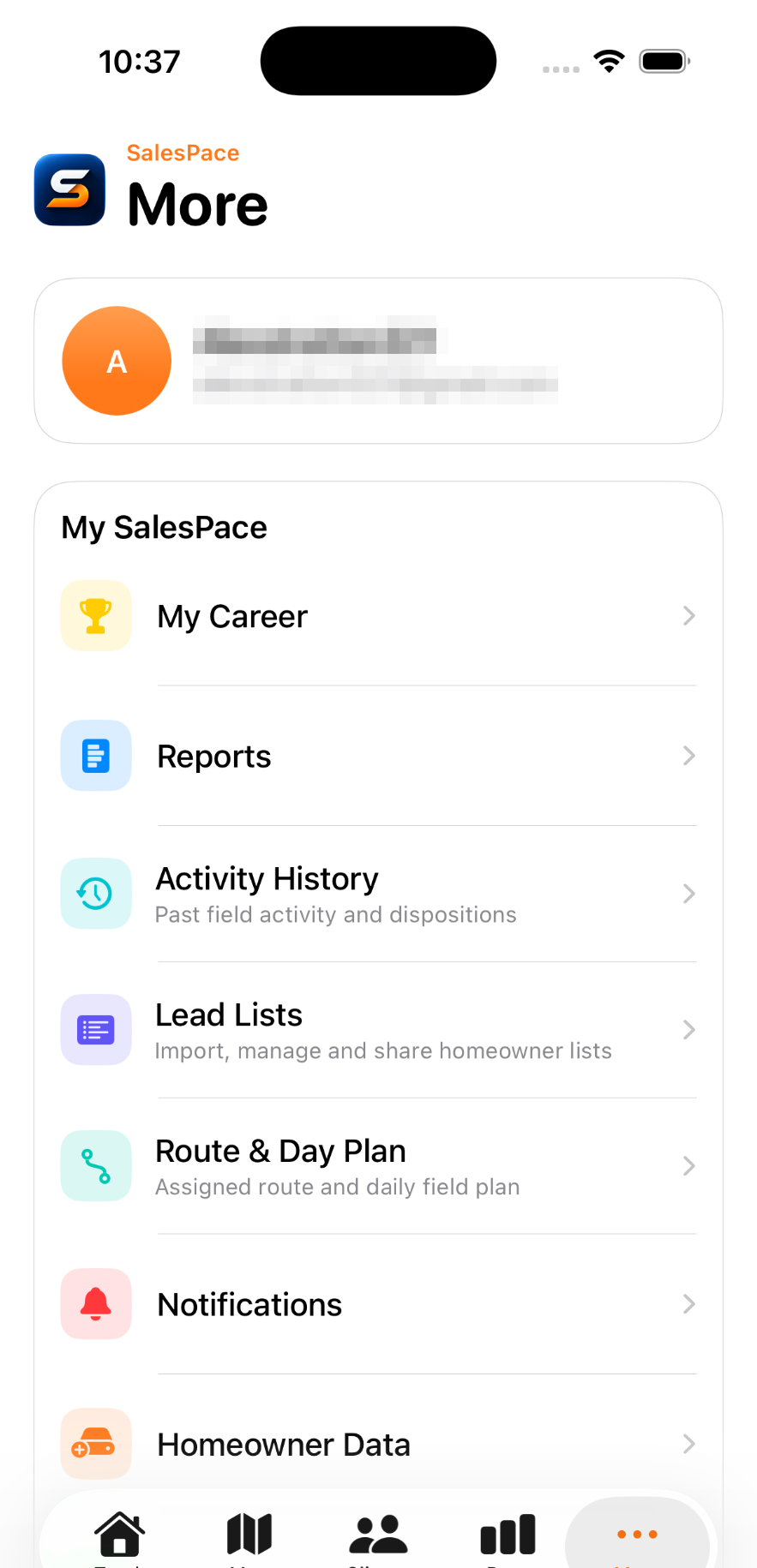
Open territories, appointments, homeowner data, reports, notifications, permissions and role-aware management tools.
For managers and leadership
The web CRM shares the same data as the phone: pipeline stages, homeowner records, appointments, territories and rep activity. Managers plan and assign territories, watch the day unfold on a live map, and export what leadership needs — all inside the same role-based permissions.
The canvassing workflow is the same whether you sell fiber, solar, roofs or service plans: work a territory, knock the door, record the outcome, follow up.
Serviceable-address canvassing at scale
Qualify roofs and book in-home appointments
Storm-route sweeps and follow-up passes
Route density and seasonal re-knocks
Neighborhood campaigns around jobs in progress
Territory coverage with clear rep accountability
If the work happens at the door, it fits
Twenty minutes with our team: we'll walk your canvassing workflow and show how SalesPace runs it end to end.
Schedule a Demo